

 English


UWB3000F00 : Low-Power Bi-Directional Ranging Transceiver For Precision Positioning And Ranging
Output Power : 1mW
Size (mm):13.5*22.2
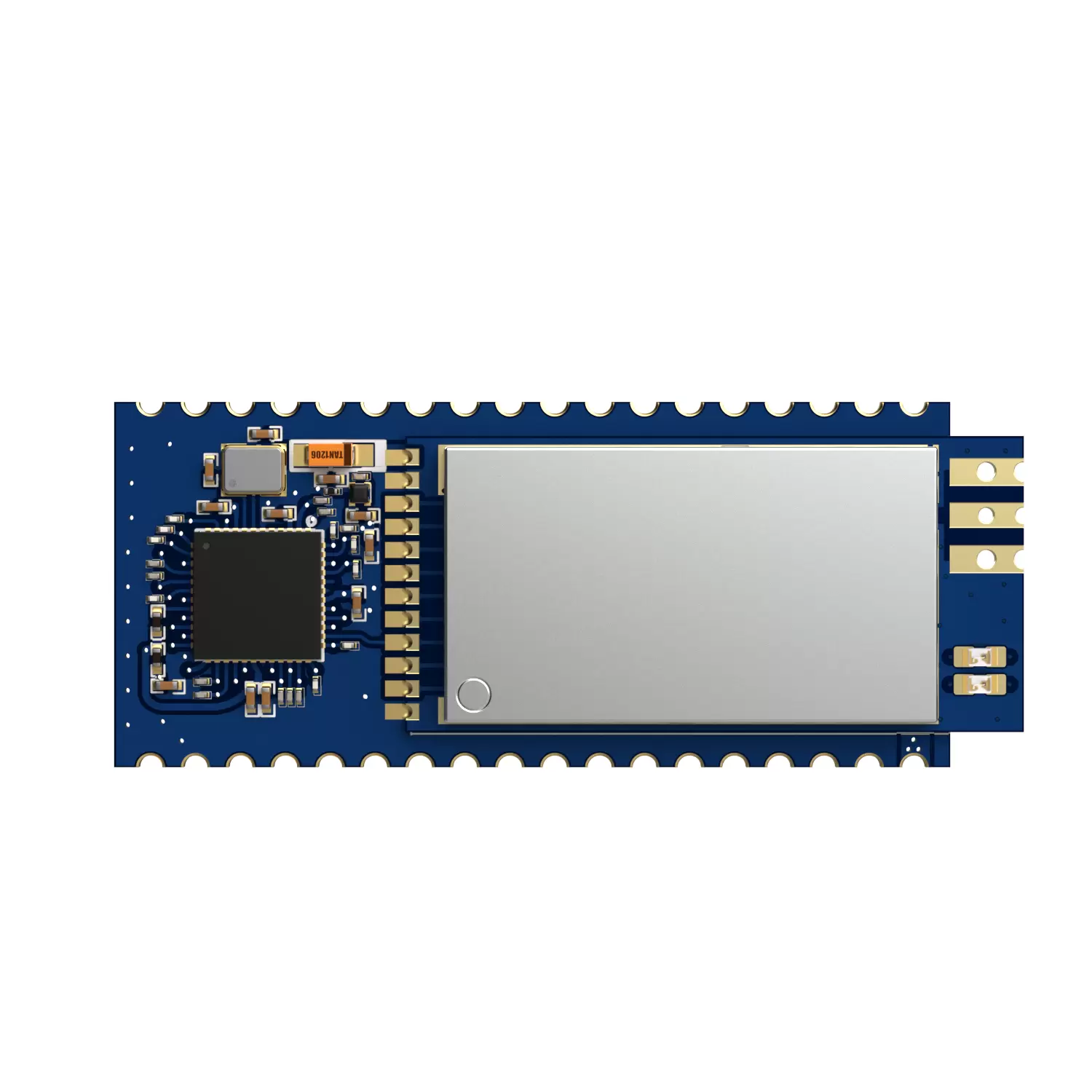
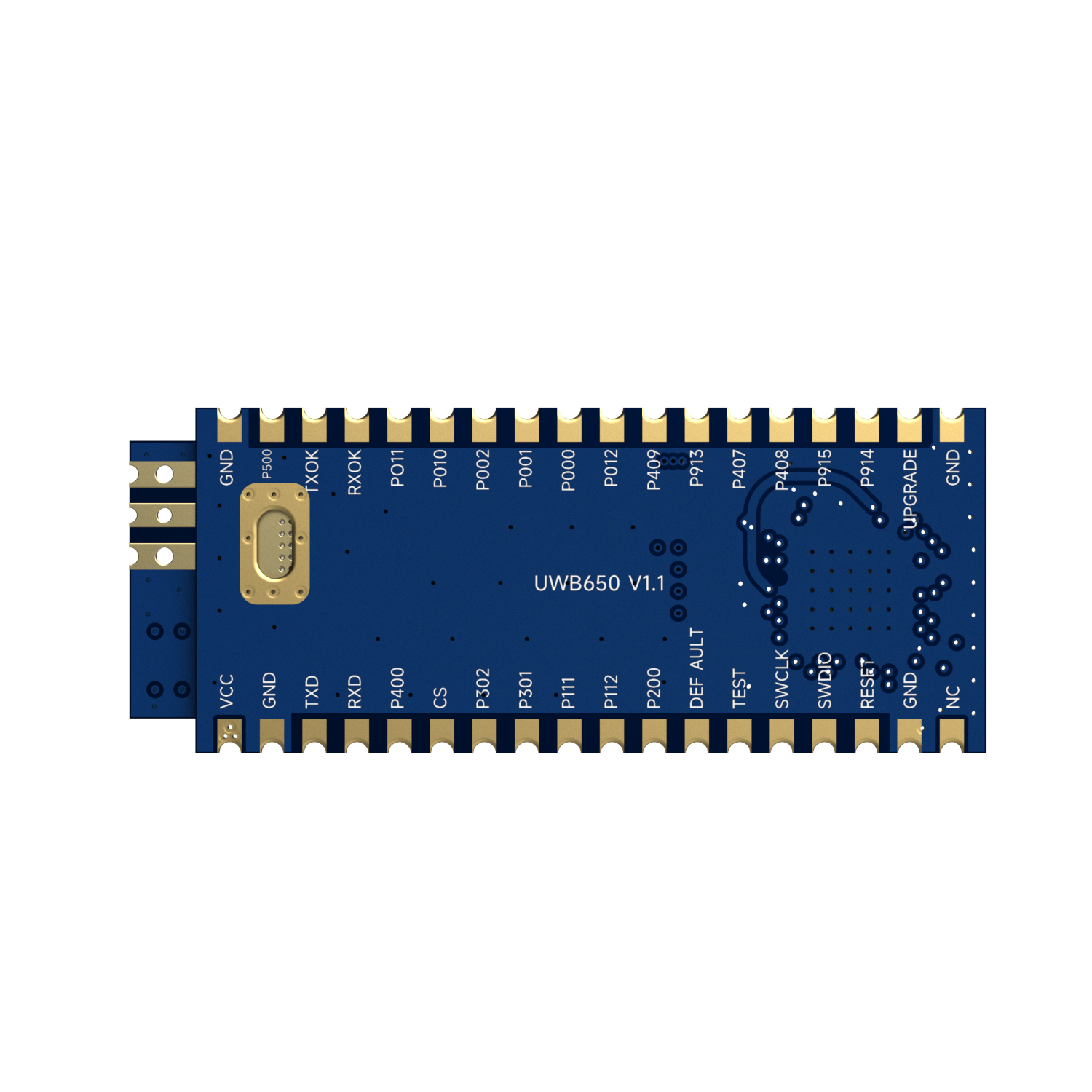
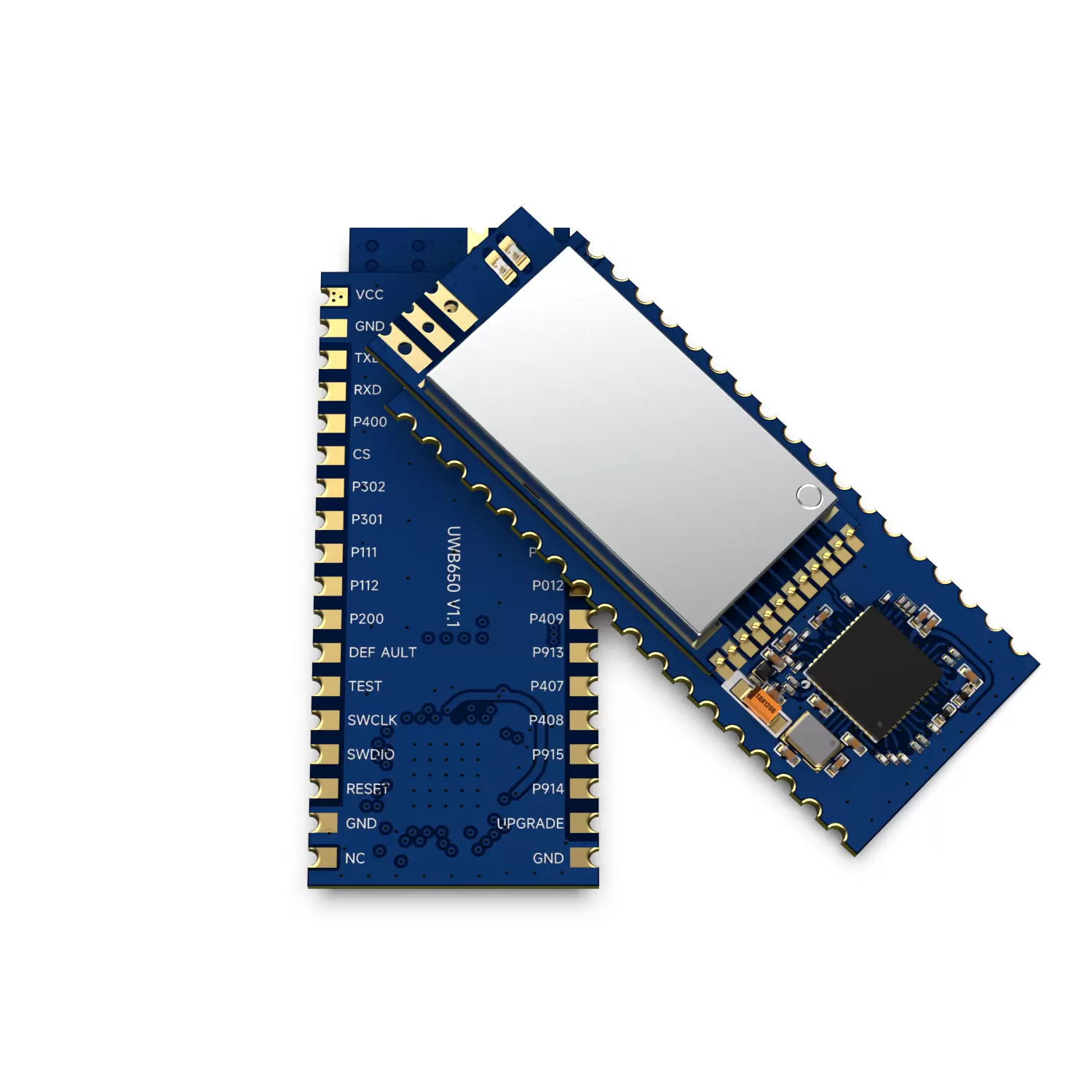
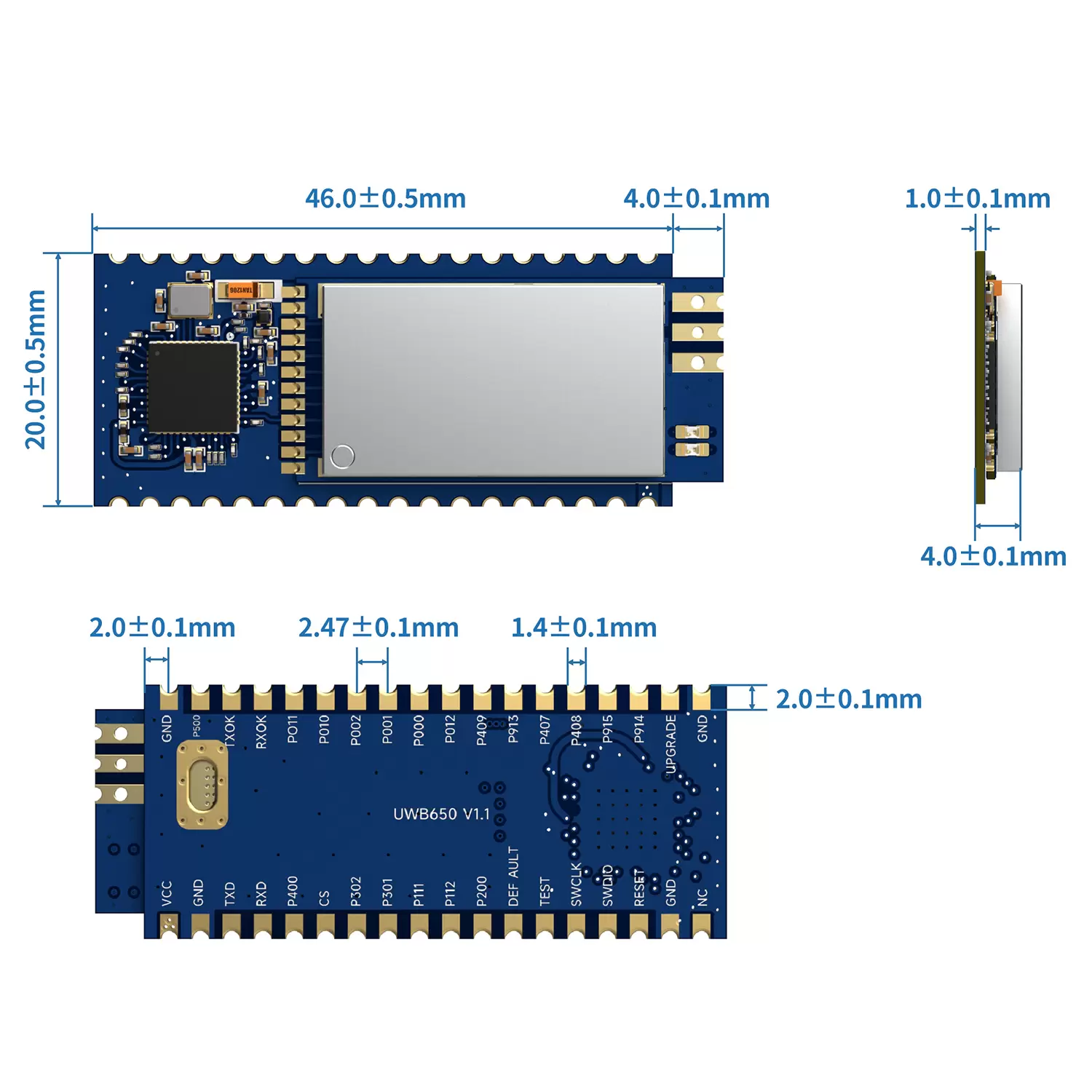

UWB650 module, launched by NiceRF, is a wireless communication module based on Ultra Wide Band (UWB) technology and complies with the IEEE 802.15.4-2020 Standard. It is designed using the Qorvo DW3000 UWB chip and integrates a high-performance RF power amplifier, MCU, general-purpose I/O interfaces, and ESD protection components. The UWB650 module combines data communication, ranging, and positioning functions in UWB applications, enabling remote communication, precise distance measurement/positioning, and hardware control via a serial interface.
Parameter | Condition | Min. | Typ. | Max. | Unit |
Supply Voltage | 3.0 | 4.2 | 5.5 | V | |
Operating Temperature Range | -20 | 25 | 60 | ℃ | |
Frequency Range | CH5 | 6489.6 | MHz | ||
RF Data Rate | 850k | 6.8M | bps | ||
Current Consumption | |||||
Sleep current | < 2.3 | mA | |||
Transmit current1 | Continues Frame mode | 300 | mA | ||
Receive current | 100 | mA | |||
Listen receive current | Low-Power SNIFF mode | <65 | mA | ||
Standby current | Receive off and no data transmission | 27 | mA | ||
RF parameter | |||||
Tx Power | @VCC=5.0V | -5 | 27 | dBm | |
Tx Bandwidth(BW) | 499.2 | MHz | |||
Receive parameters | |||||
Rx Sensitivity | @850Kbps | -100 | dBm | ||
@6.8Mbps | -94 | dBm | |||
Comply with IEEE 802.15.4-2020 Standard UWB and communication protocol
Supports UWB Channel 5 (6489.6 MHz)
Supports 6.8 Mbps and 850 Kbps RF Rate
Supports data frame lengths from 0 to 1023 bytes
Mesh networking
Multiple-level transmit power adjustment, with a maximum transmit power of 0.5W
1 km ultra-long-distance data communication
Supports two-way ranging methods SS-TWR and DS-TWR, as well as positioning solutions
Ranging accuracy less than ±10 cm
Supports multi-tag positioning with precise location calculation
Electrostatic Protection (ESD)
Personnel positioning in large-scale industrial production
Various indoor positioning scenarios
Underground coal mine positioning
Hospital staff positioning

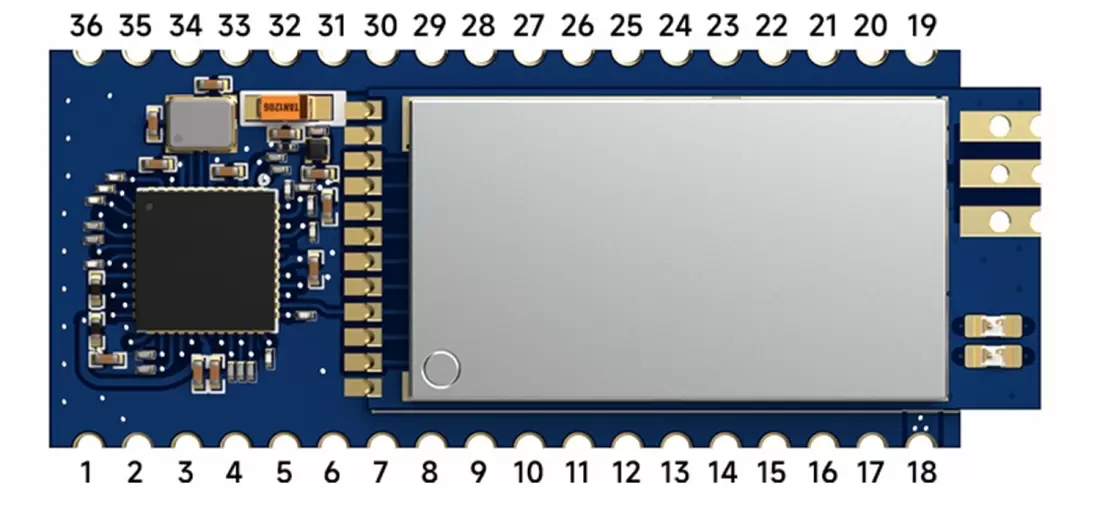
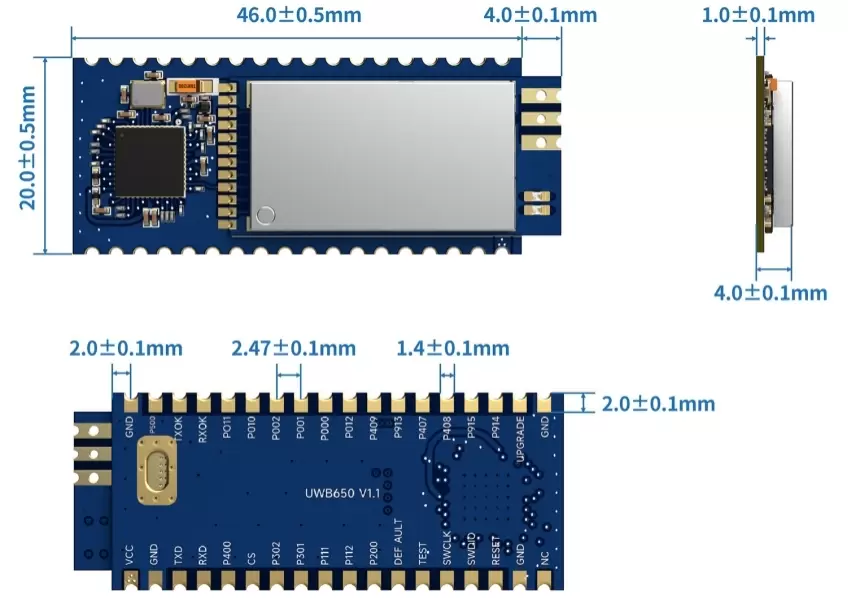
Pin No. | Pin definition | I/O | Voltage | Description |
1 | NC | |||
2,17,19,36 | GND | - | 0-3.3V | Connect to the power supply ground |
3 | RESET | I | 0-3.3V | Module reset pin, normal high level, pull low to reset |
4 | SWDIO | I | 0-3.3V | Module programming pins |
5 | SWCLK | O | 0-3.3V | Module programming pins |
6 | TEST | I | 0-3.3V | - |
7 | DEFAULT | I | 0-3.3V | Internal pull-up, hold low for about 10s during operation to force a reboot and restore factory settings. |
8 | P200 | I/O | 0-3.3V | Unused I/O pins |
9 | P112 | I/O | 0-3.3V | PWM output |
10 | P111 | I/O | 0-3.3V | PWM output |
11 | P301 | I/O | 0-3.3V | Unused I/O pins |
12 | P302 | I/O | 0-3.3V | Unused I/O pins |
13 | CS | I | 0-3.3V | Sleep pin, internally pulled up; the module enters sleep mode when a low level is applied externally |
14 | P400 | I/O | 0-3.3V | Unused I/O pins |
15 | RXD | I | 0-3.3V | Serial data input pin, connected to the TXD pin of the external device |
16 | TXD | O | 0-3.3V | Serial data output pin, connected to the RXD pin of the external device |
18 | VCC | - | 3.0-5.5V | External power supply positive terminal |
20 | P500 | I/O | 0-3.3V | Unused I/O pins |
21 | TXOK | O | 0-3.3V | Transmit status indicator pin, outputs high level when transmitting data |
22 | RXOK | O | 0-3.3V | Receive status indicator pin, outputs high level when datais received, and outputs low level after reception is complete |
23 | P011 | I/O | 0-3.3V | Ranging/positioning status pin, outputs high level during ranging/positioning |
24 | P010 | I/O | 0-3.3V | Unused I/O pins |
25 | P002 | I/O | 0-3.3V | General I/O output |
26 | P001 | I/O | 0-3.3V | General I/O output |
27 | P000 | I/O | 0-3.3V | General I/O output |
28 | P012 | I/O | 0-3.3V | General I/O output |
29 | P409 | I/O | 0-3.3V | General I/O output |
30 | P913 | I/O | 0-3.3V | General I/O output |
31 | P407 | I/O | 0-3.3V | General I/O output |
32 | P408 | I/O | 0-3.3V | General I/O output |
33 | P915 | I/O | 0-3.3V | Unused I/O pins |
34 | P914 | I/O | 0-3.3V | Unused I/O pins |
35 | UPGRADE | I | 0-3.3V | Internally pulled up; after an external low-level input, the module resets and enters serial upgrade mode |
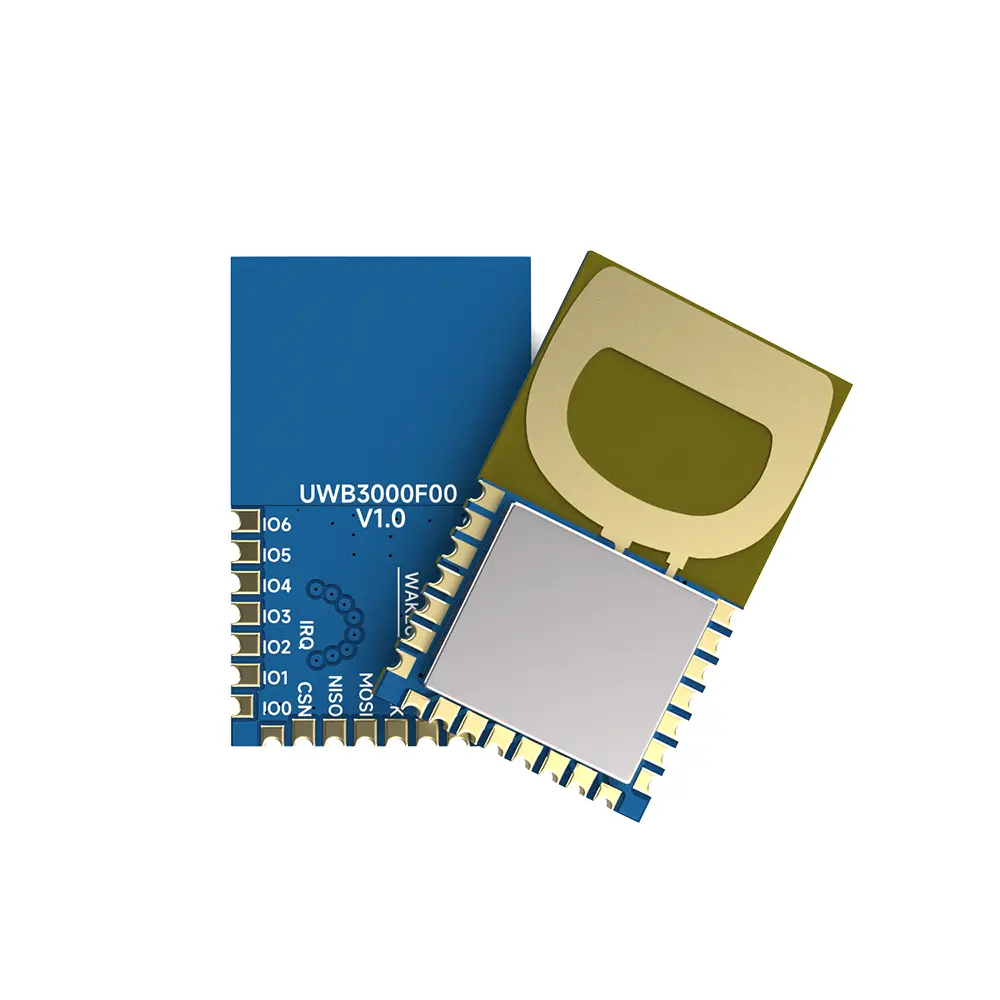
Output Power : 1mW
Size (mm):13.5*22.2
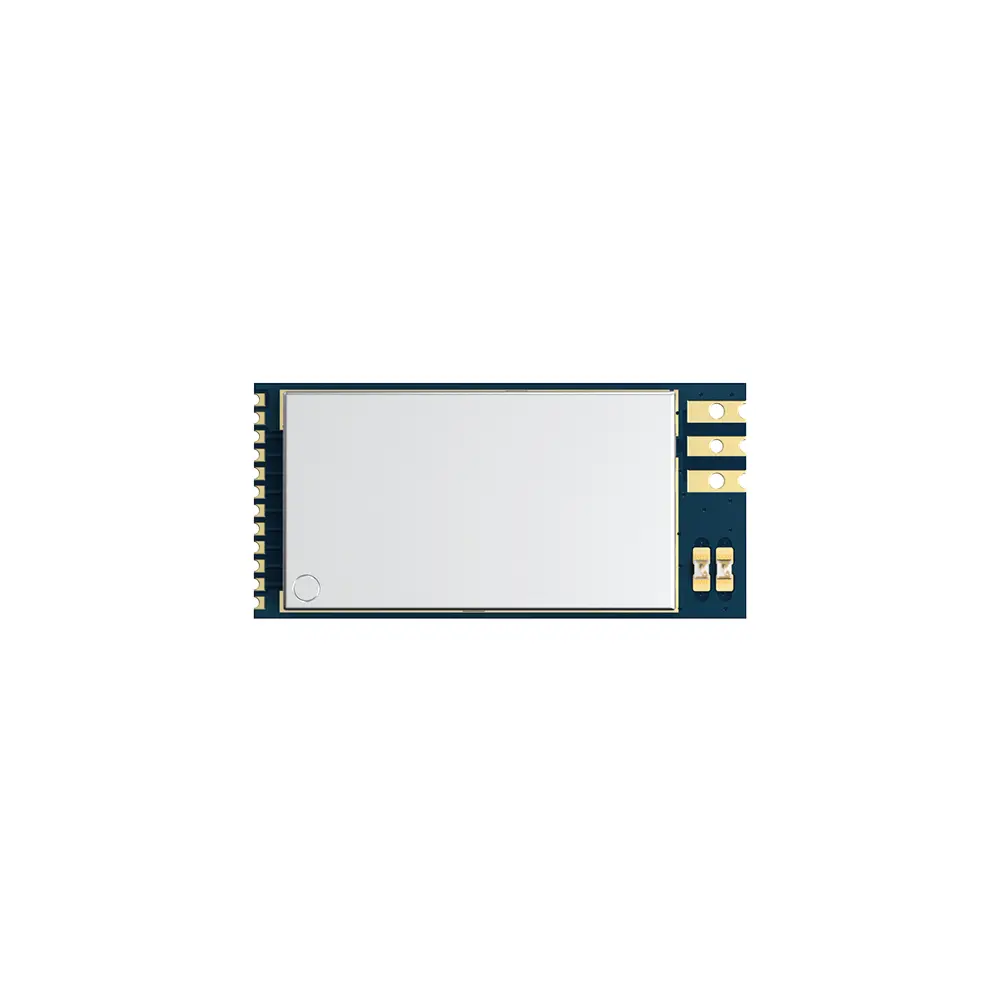
Output Power : 500mW
Size (mm):33.88*16.20
Privacy Policy
· Privacy Policy
There is currently no content available
Email:sales@nicerf.com
Tel:+86-755-23080616